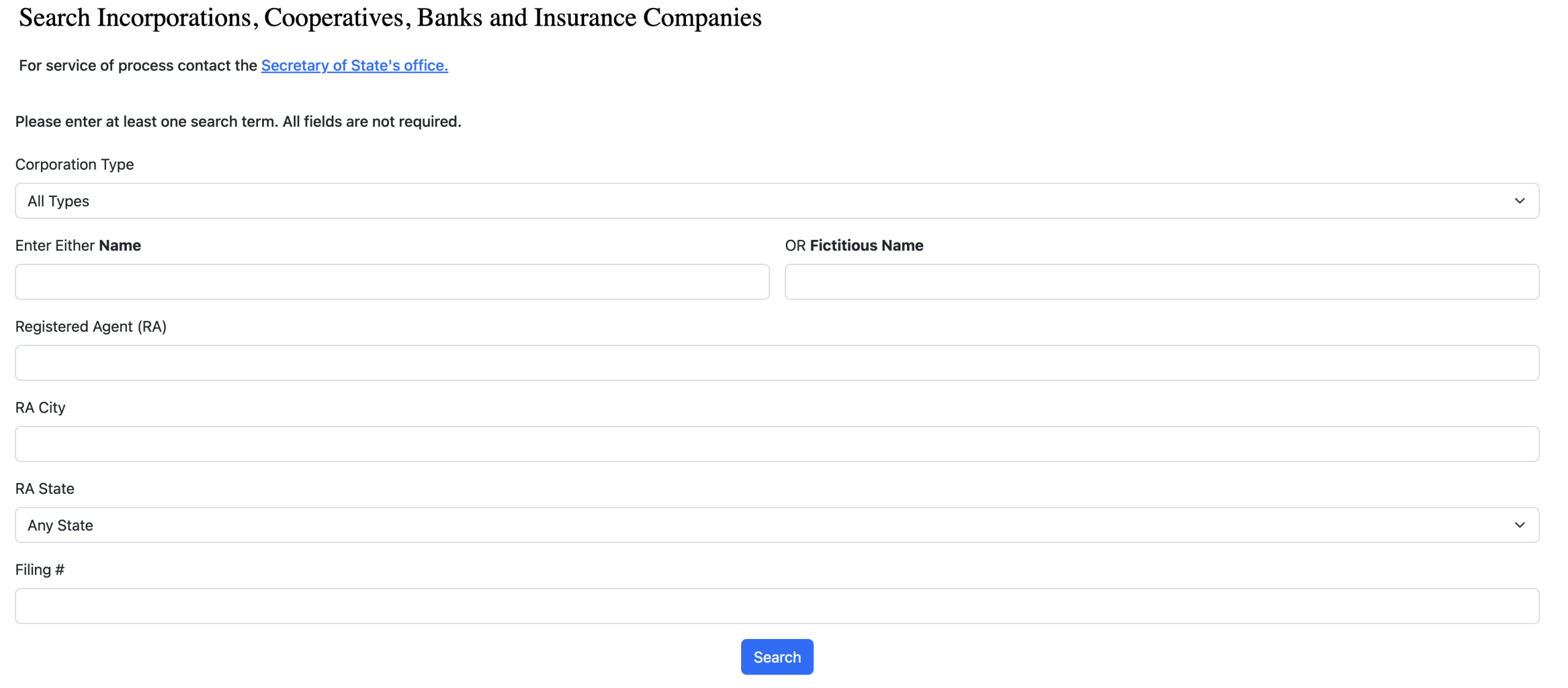
The Arkansas Secretary of State handles business entities, elections, and the notary divisions on behalf of its residents. Its business directory is publicly available for searching entities by name, fictitious name, registered agent, or filing number (#). Users can view previously recorded documents and make additional filings (if an officer of the entity).
Business Entity Search
State of Arkansas

Business Entity Search
1. Go to the Arkansas Secretary of State website.
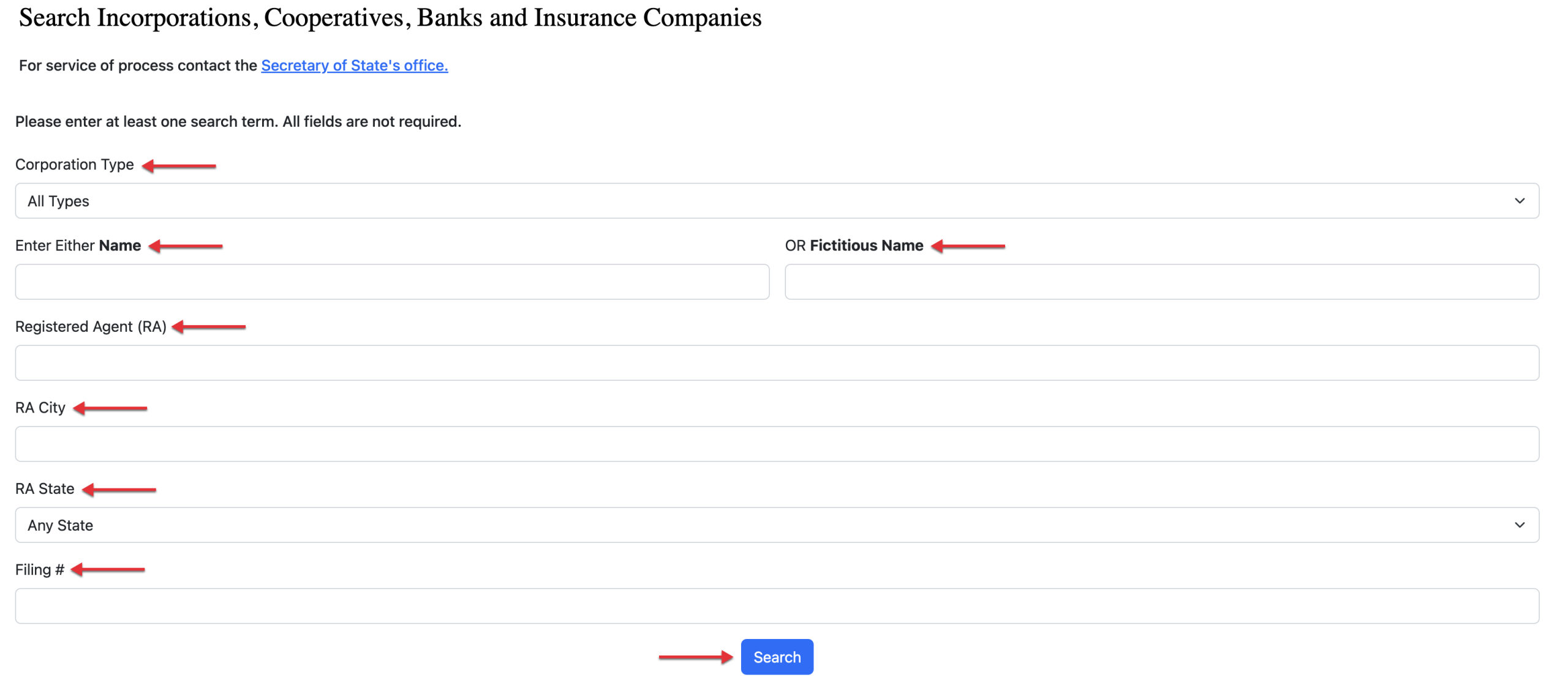
2. Use the Search Options
Look over the options on the page. Select at least one criterion from a drop-down menu or enter it into a text box (e.g., name or fictitious name). When ready, select the “Search” button.
- Corporation Type
- (Company) Name
- Fictitious Name
- Registered Agent (RA)
- RA City
- RA State
- Filing Number
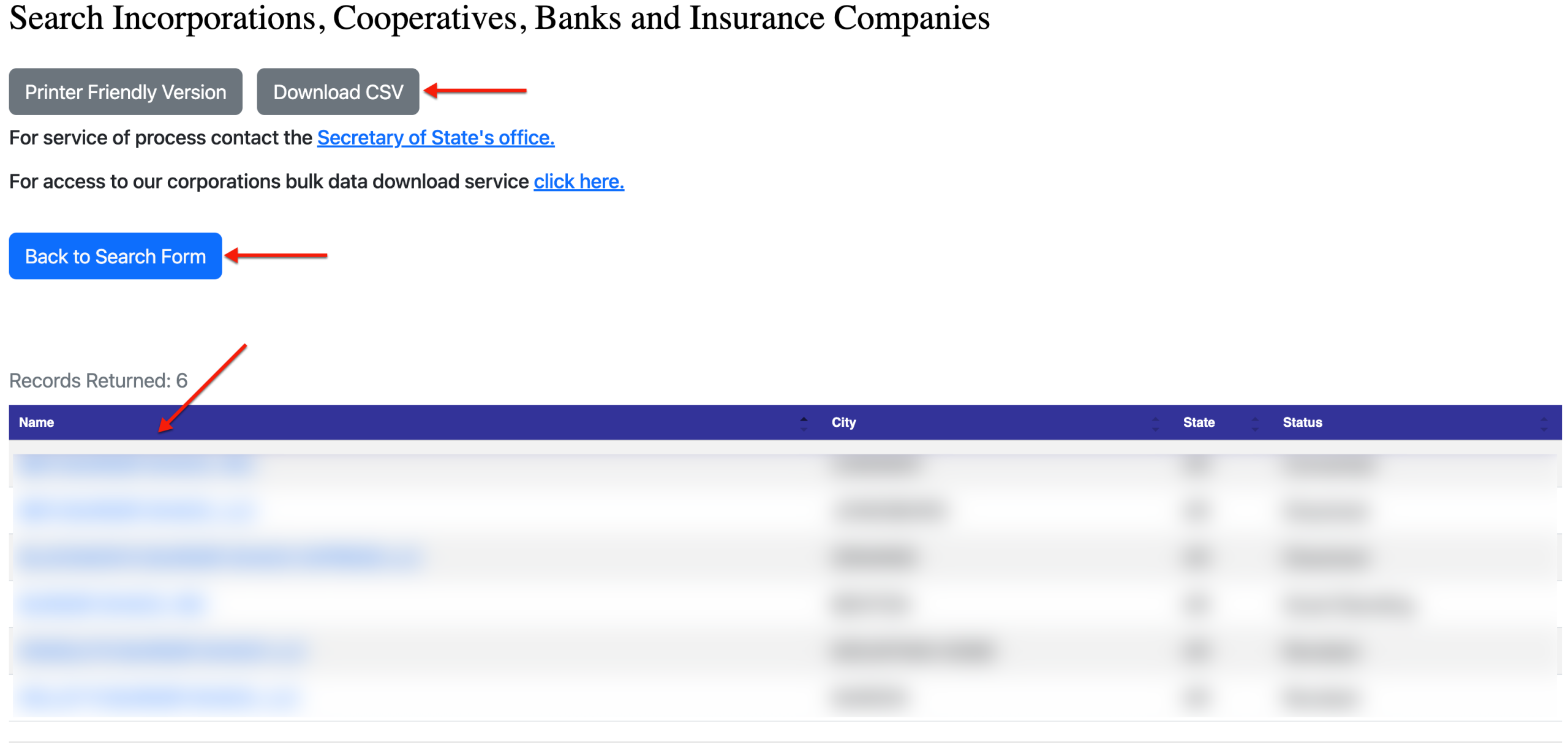
3. Select from the Records Found
Review the records and their summary information in the results table. Select the appropriate button near the top to print or download these. Locate the Arkansas entity sought and click on its name.
- Printer Friendly Version
- Download CSV
- Back to Search Form
- Name
- City
- State
- Status
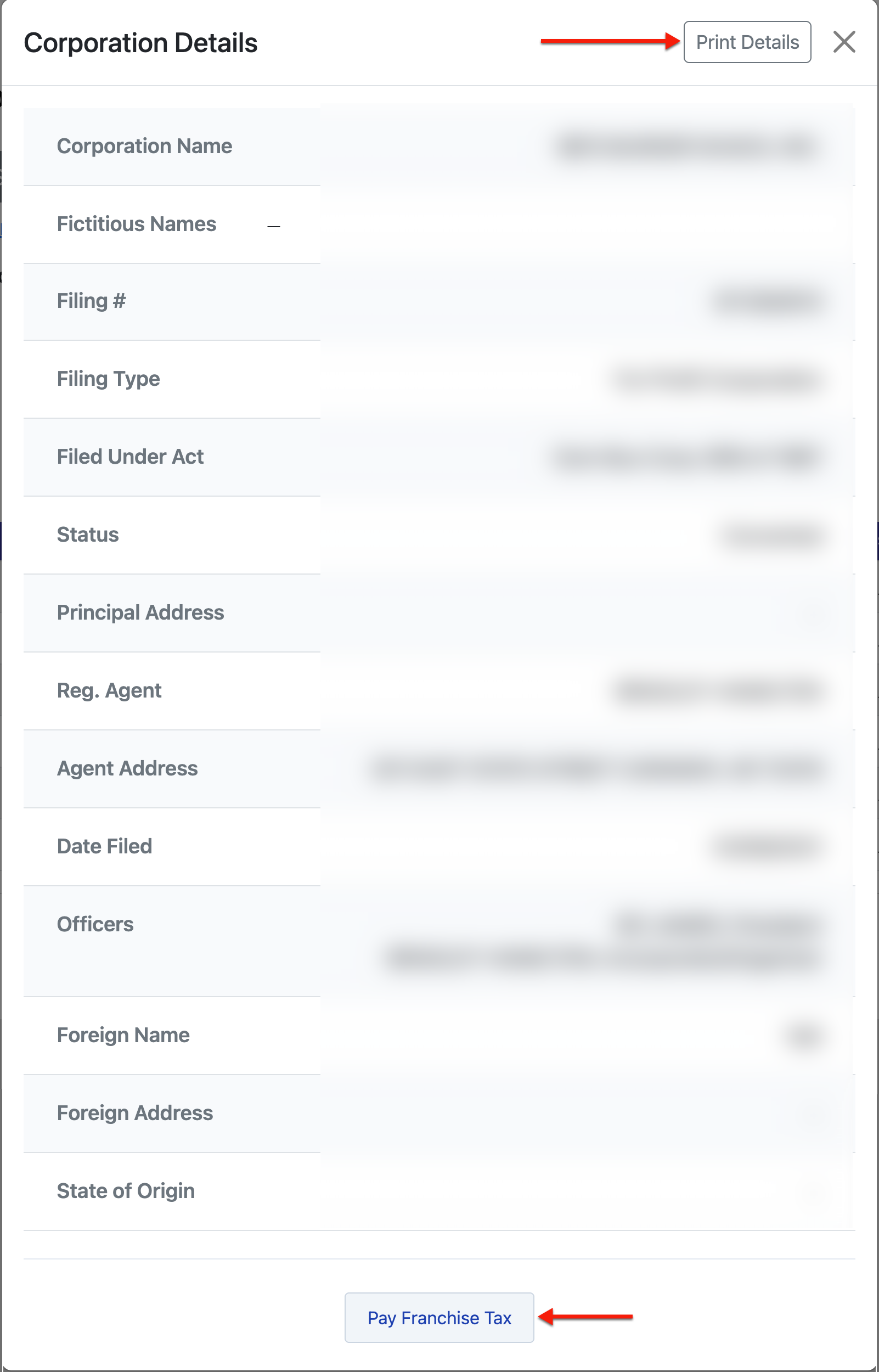
4. Business Entity Details Page
Explore the “Details” window that appears once a name is selected from the results. Notice that, in addition to the option to view a printer-friendly page near the top of the details window.
- Corporation Details
- Print Details
- Corporation Name
- Fictitious Name
- Filing #
- Filing Type
- Filed Under Act
- Status
- Principal Address
- Reg. Agent
- Agent Address
- Date Field
- Officers
- Foreign Name
- Foreign Address
- State of Origin
- Pay Franchise Tax
Additionally, the option to pay the franchise tax on behalf of the entity is available at the bottom of the page.