The Pennsylvania Department of State business entity search page has been set up and maintained by the state government for public inquiry. This is especially useful for entrepreneurs starting a business who must make sure the name is available, as well as established business owners requiring specific information or a certificate. As public information made directly available by the state, the user accesses this information in accordance with their role or goals.
Business Entity Search
State of Pennsylvania

Business Entity Search
1. Go To The Pennsylvania Business Entity Search

2. Deliver Your Search Preferences

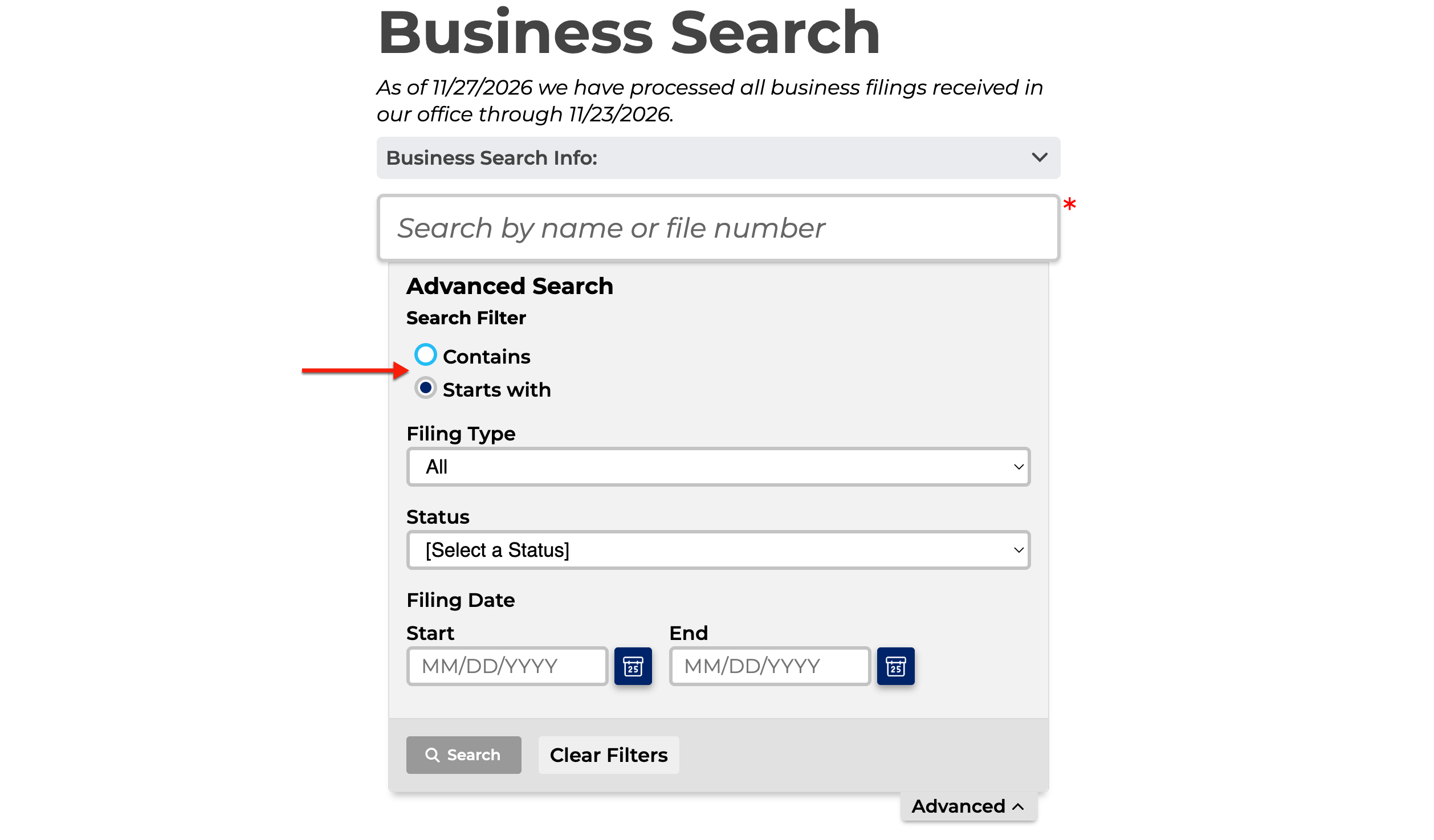
Select the word “Advanced” in order to run a tighter name search. This opens an entirely new area to utilize, but make sure the business name we seek remains in the first text box.

Choose one of the first two radio buttons to relate the search criteria to the target record.
- Contains
- Starts With
3. Attach Filters Before Prompting the Query
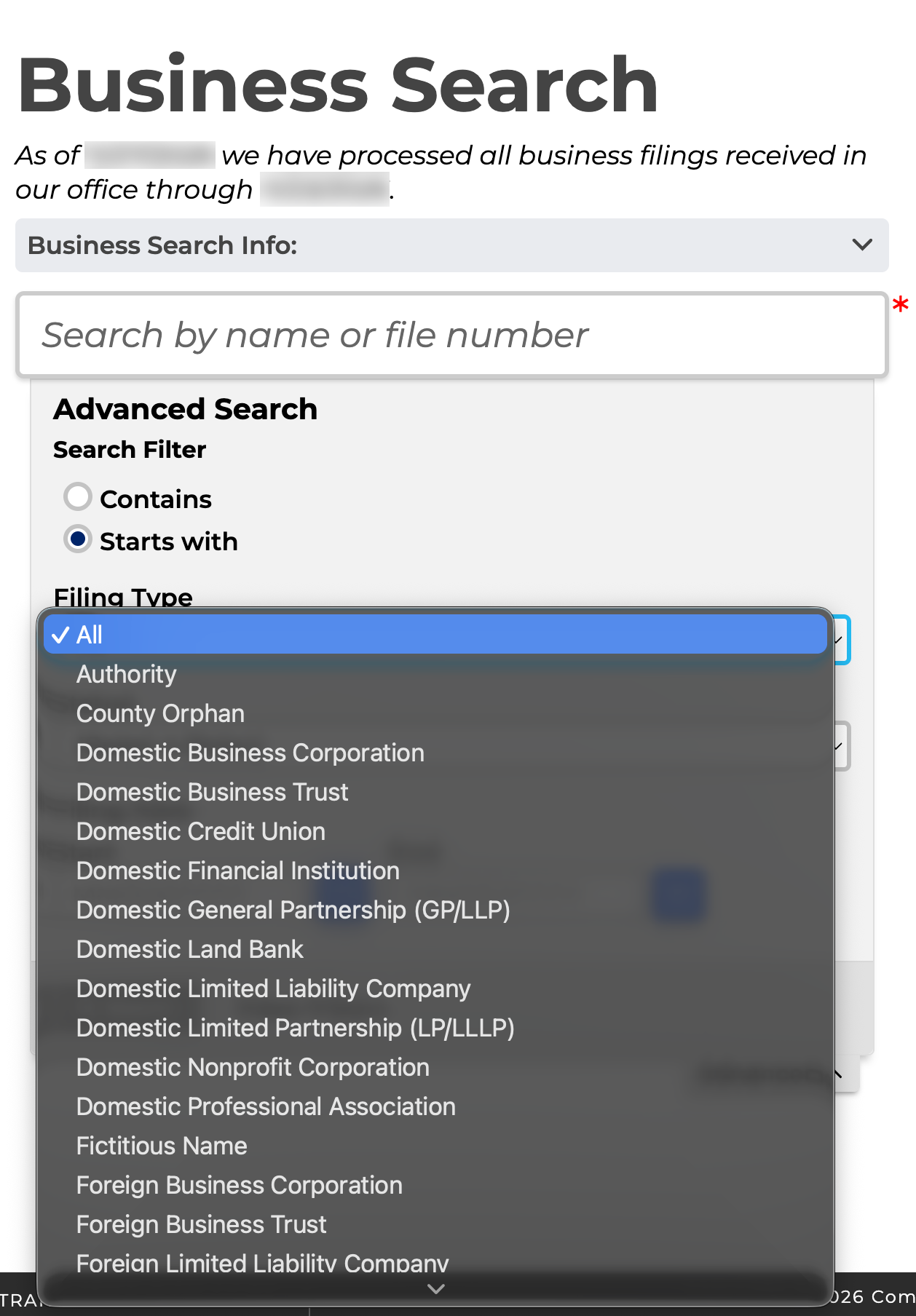
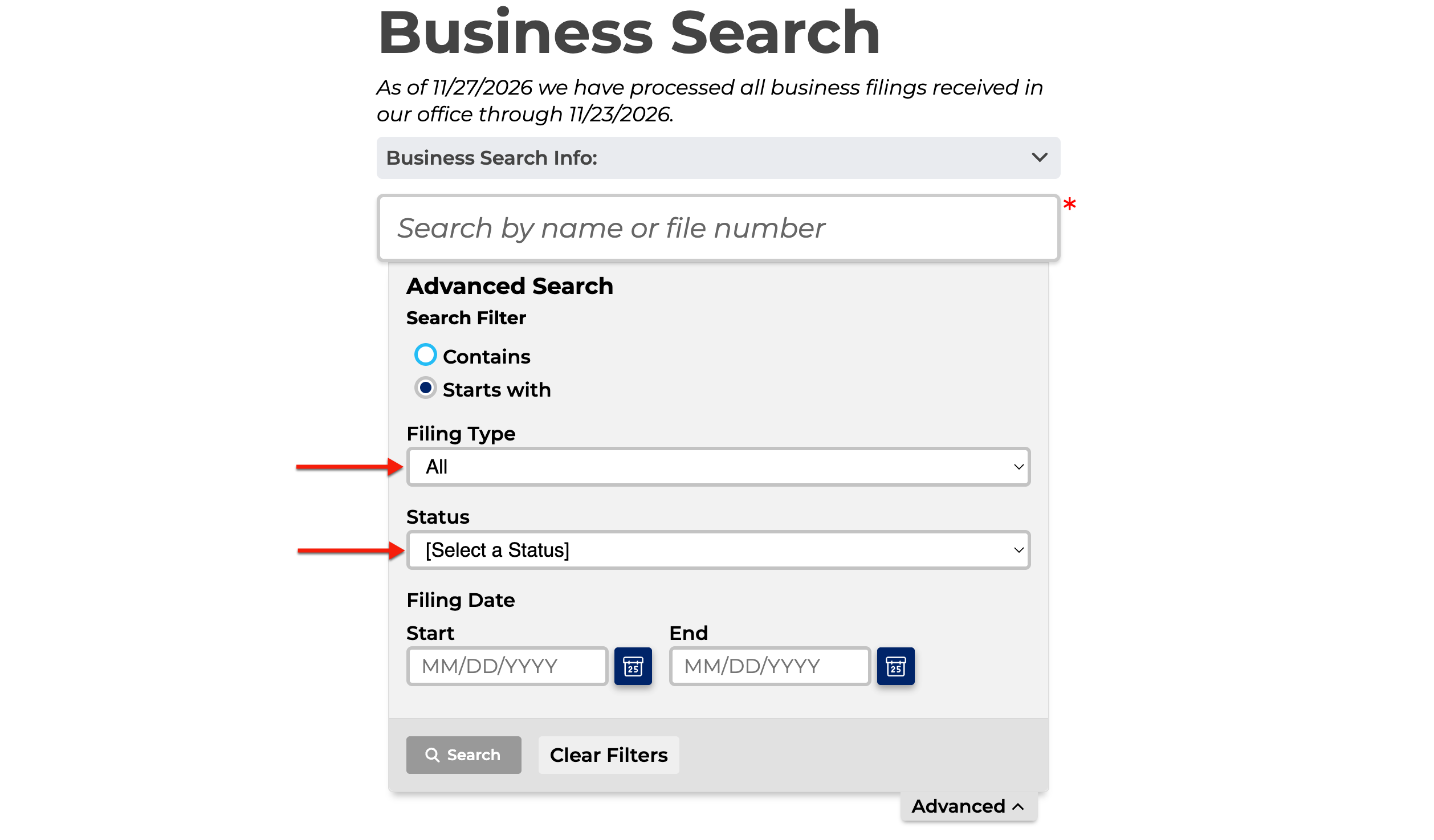
Use the drop-down menus to require that only a specific type of entity with a predetermined status appears in the results. Both these definitions are optional.
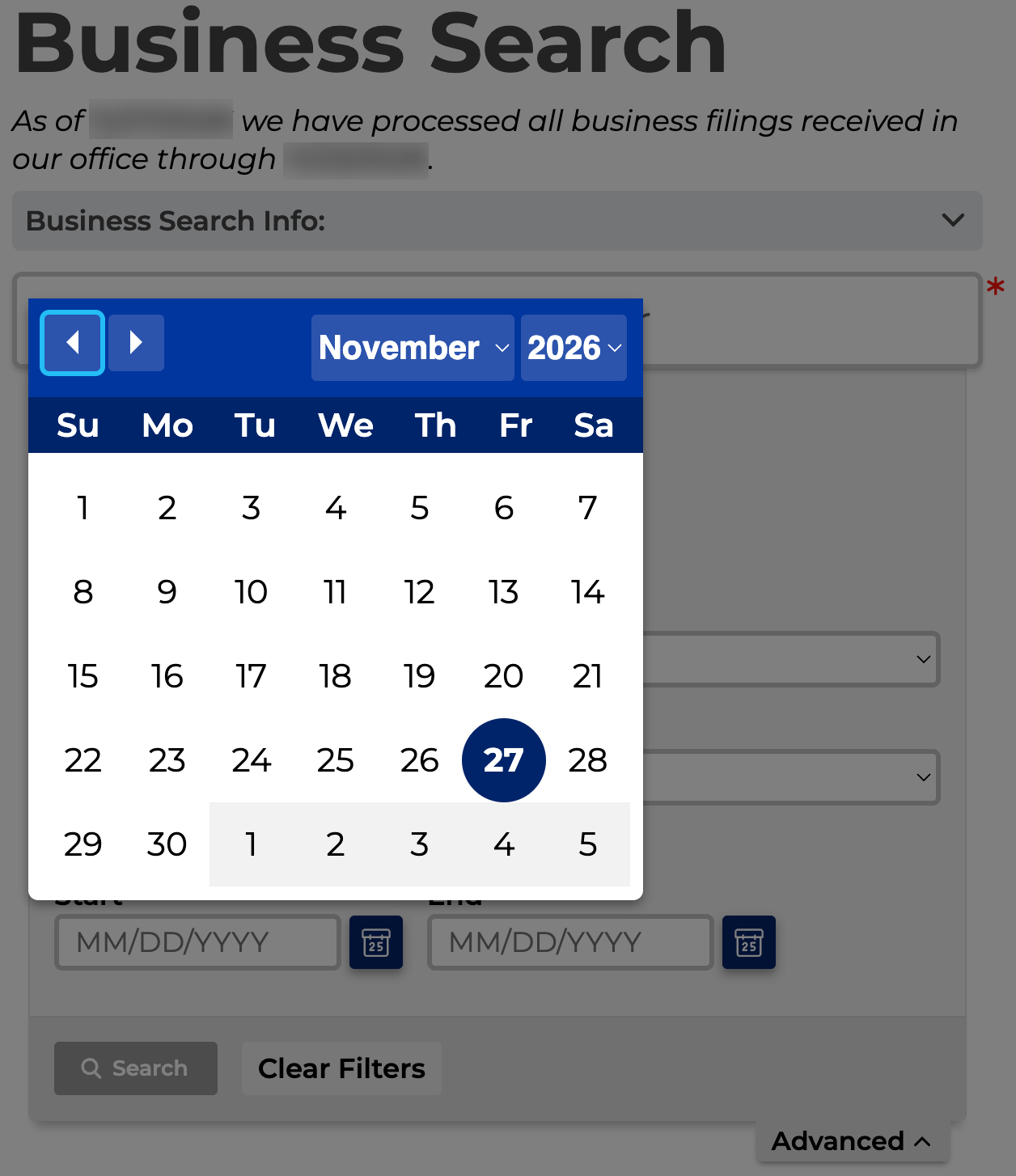
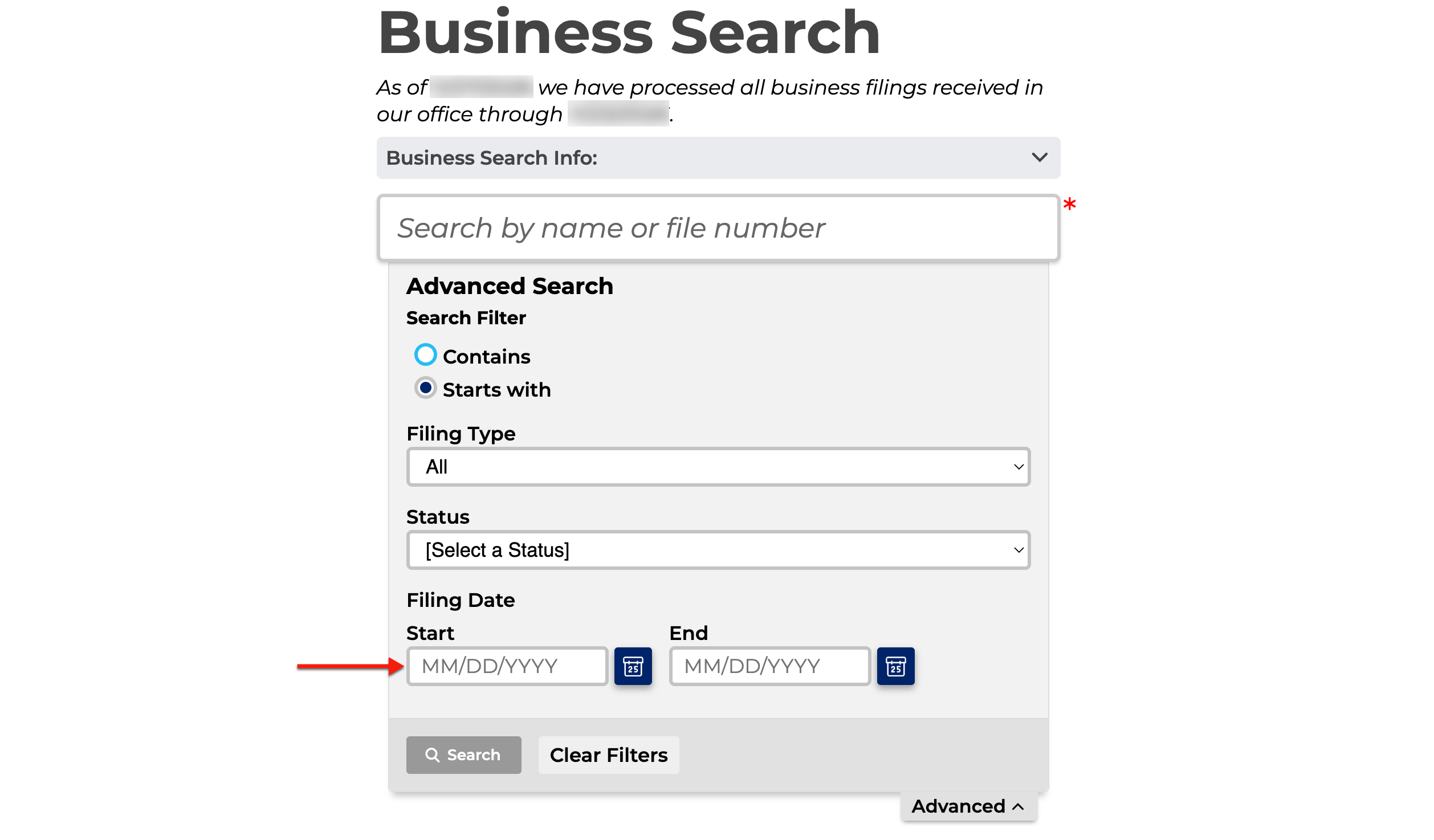
Use the calendar tool to require businesses with a filing date within the range you set. Enter the earliest possible date, then the latest, in the “Start” and “End” date fields.
- Filing Date (see image)
- Start
- End
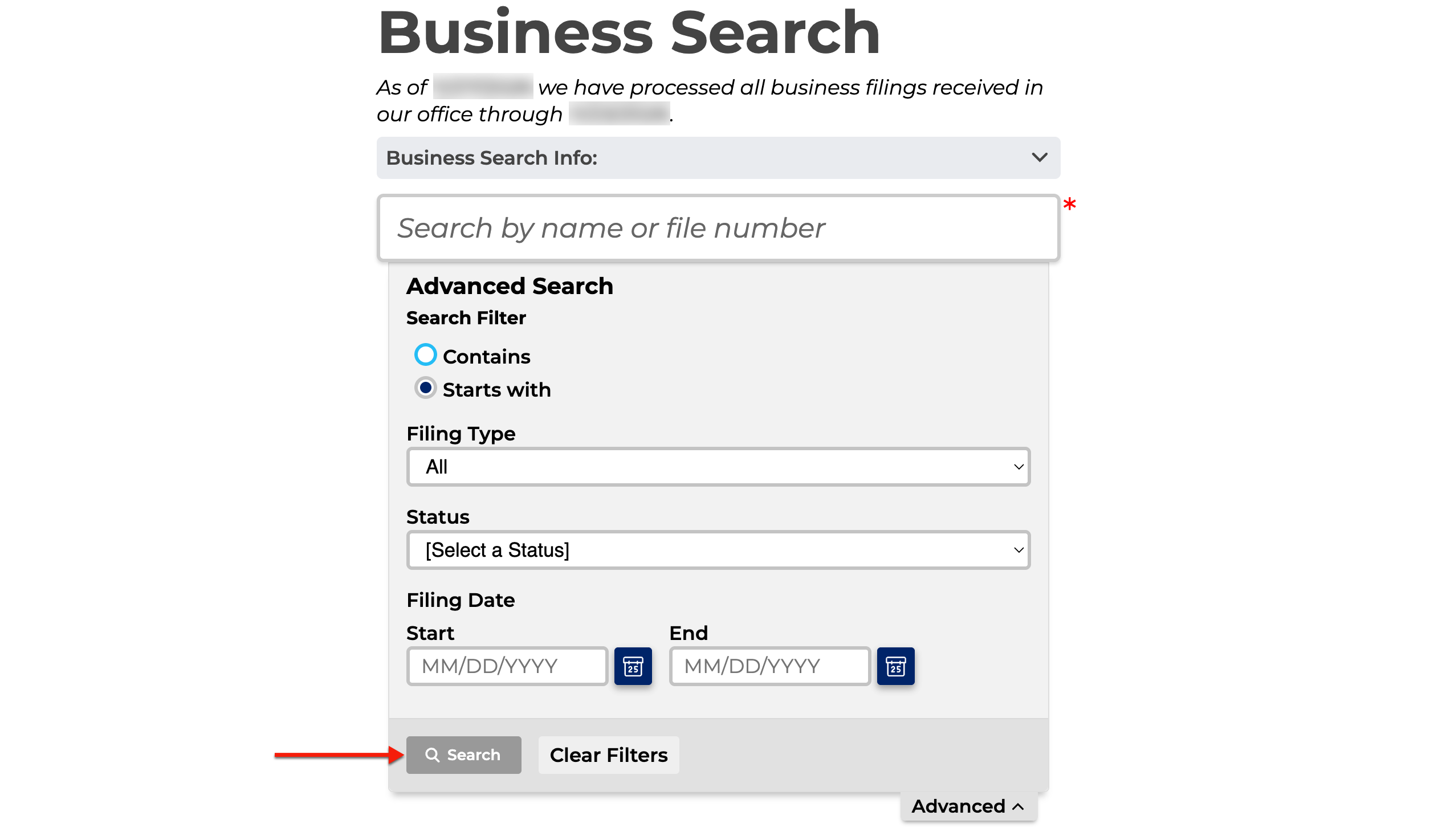
Confirm the name criteria and filters. If necessary, the query allows a reset with the “Clear Filters” button. However, once ready, select “Search” to engage the query.
- Search
- Clear Filters
4. Review The Resulting Pennsylvania Entities
Direct your attention below the search area to view your results. Every row presents a few columns of information to describe the Pennsylvania entity it concerns. You should click on the name of a Pennsylvania entity to view additional material.
- Filing Information
- Initial Filing Date
- Status
- Entity Type
- Formed In
- Address
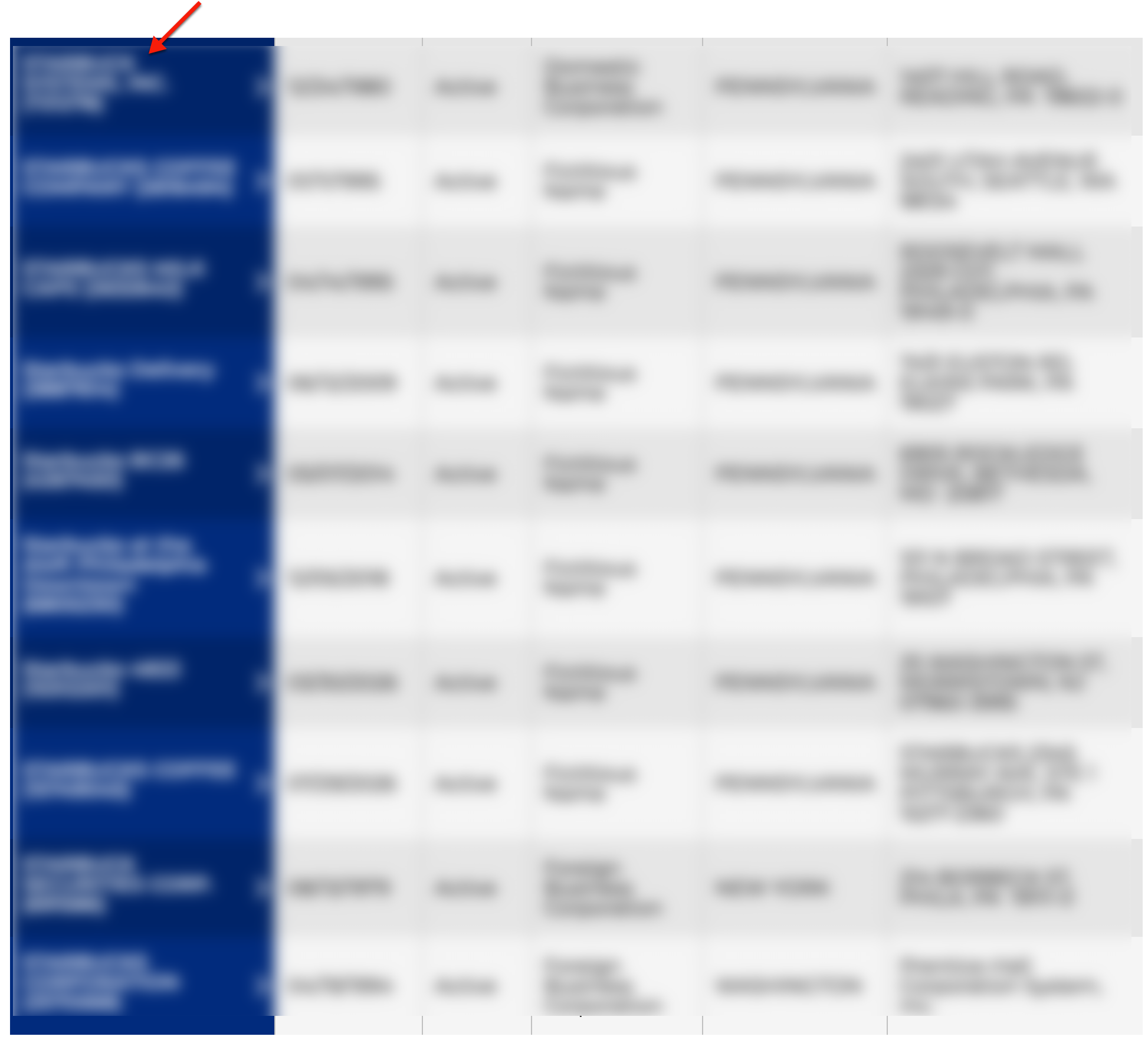
5. Locate And Review The Pennsylvania Entity Details
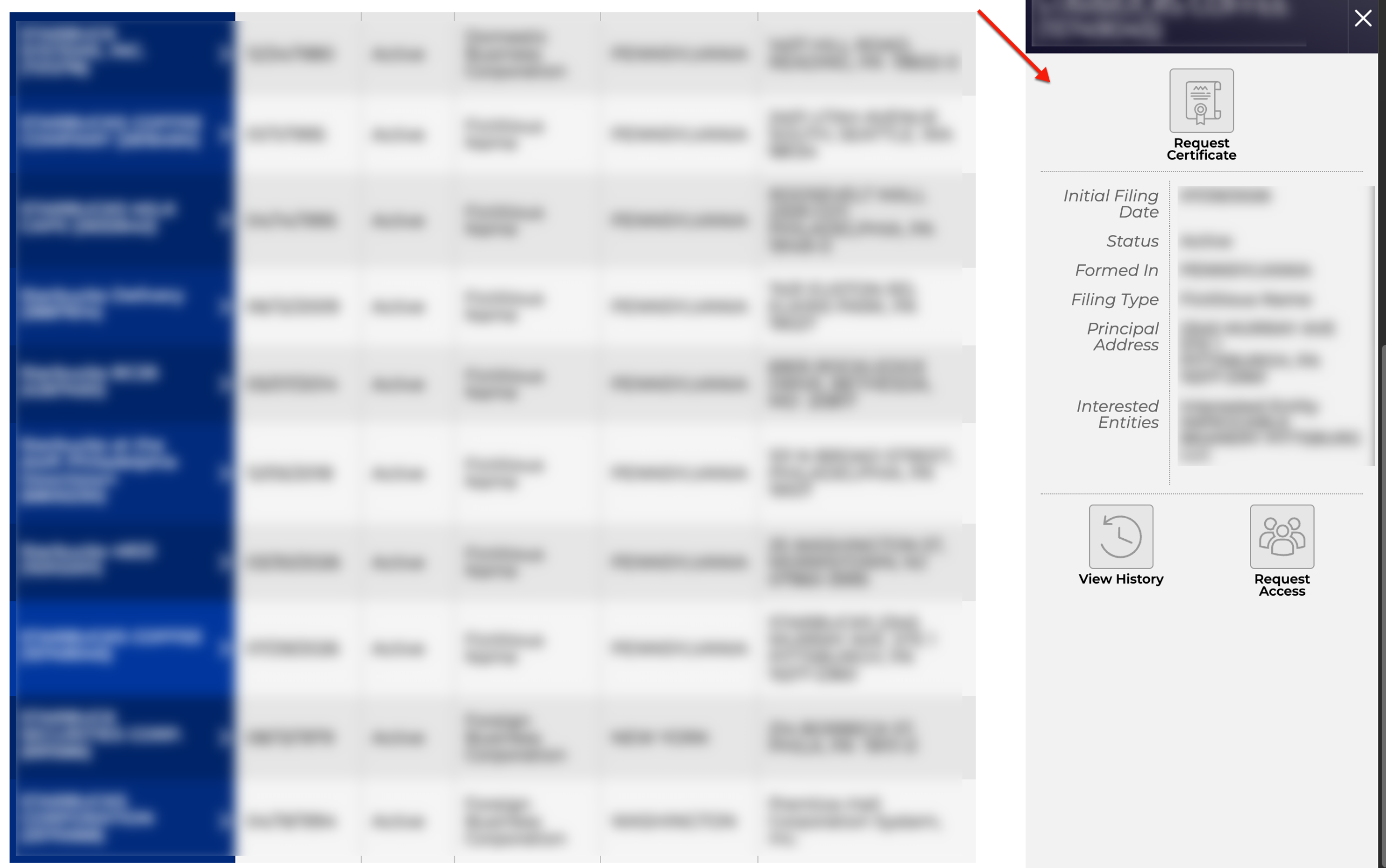
Look to the right of the page after making your selection. In our example, you can review some of the entity’s public details, access its filing history, and request more information.
- Request Certificate
- Initial Filing Date
- Status
- Formed In
- Filing Type
- Principal Address
- Interested Individuals
- View History
Note that service options and details are dependent on the entity’s type and status.