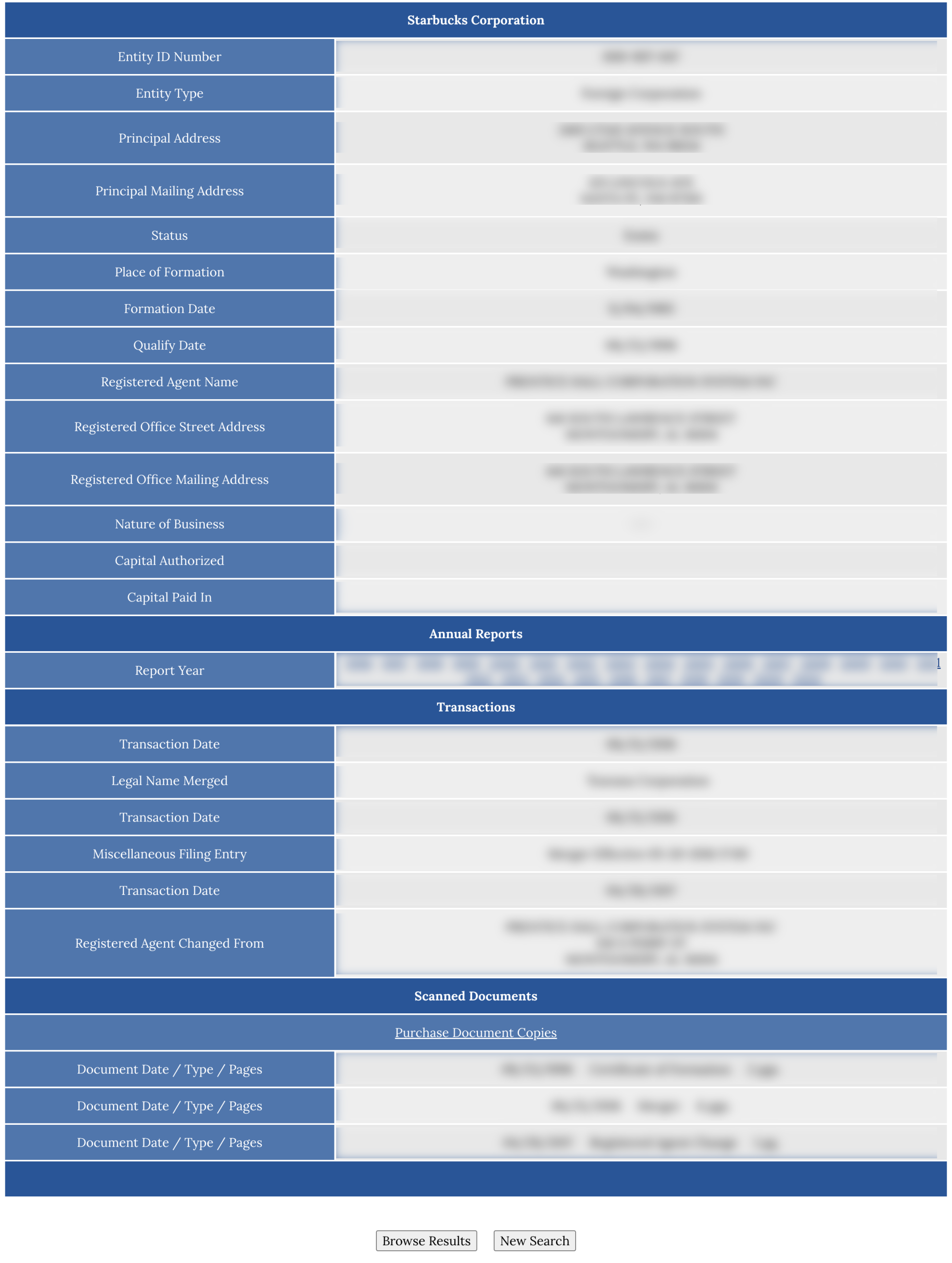
The Alabama Secretary of State allows searching for business entities by name, entity ID, officer, agent, date, or reservation ID. After displaying a list of entity results, the database can display its ownership and registered agent details.
Business Entity Search
State of Alabama

Business Entity Search
1. Go to the Business Entity Records webpage
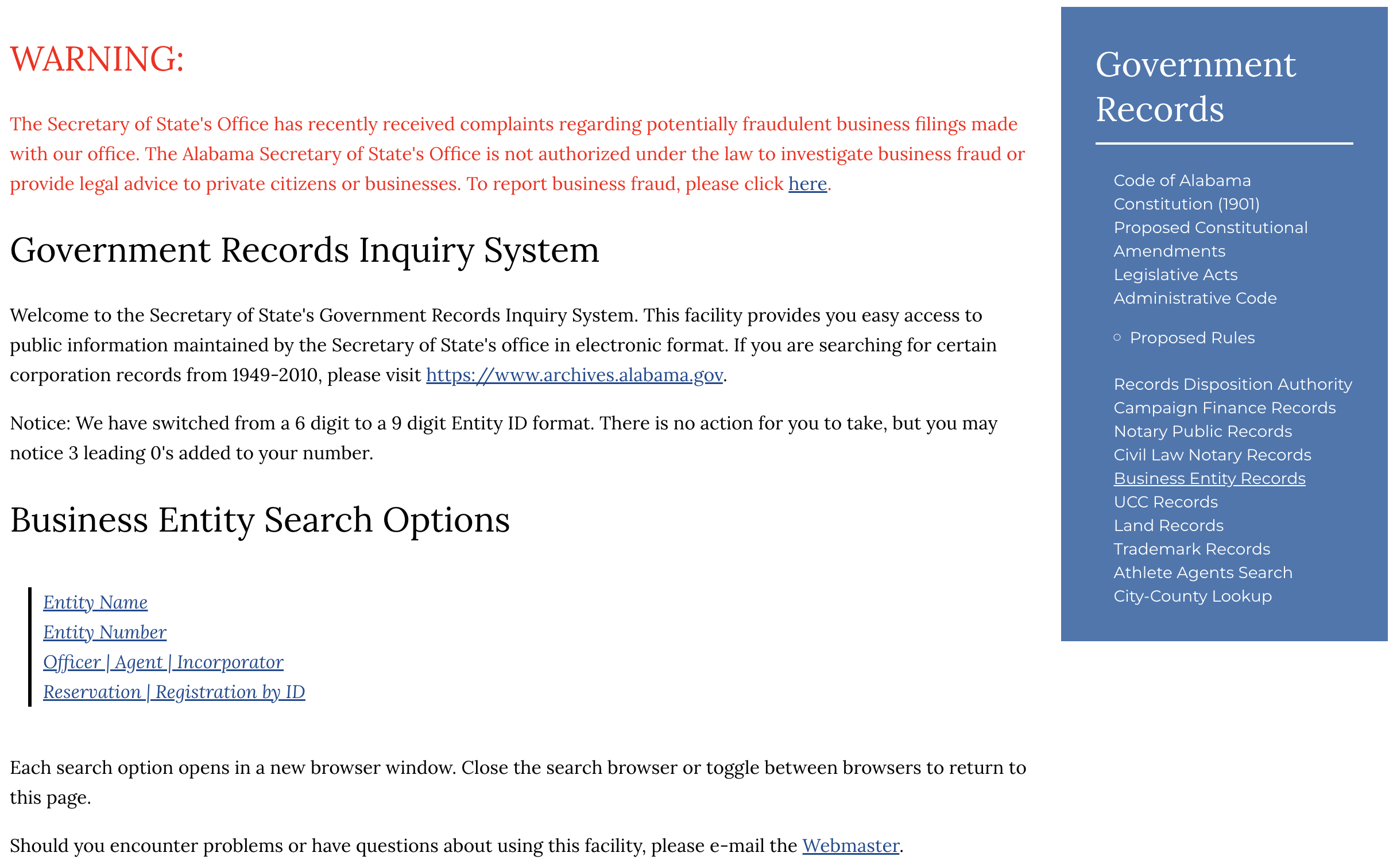
2. Choose Search Type
Choose one (1) of the search options:
- Entity Name
- Entity Number
- Officer | Agent | Incorporator
- Reservation | Registration by ID
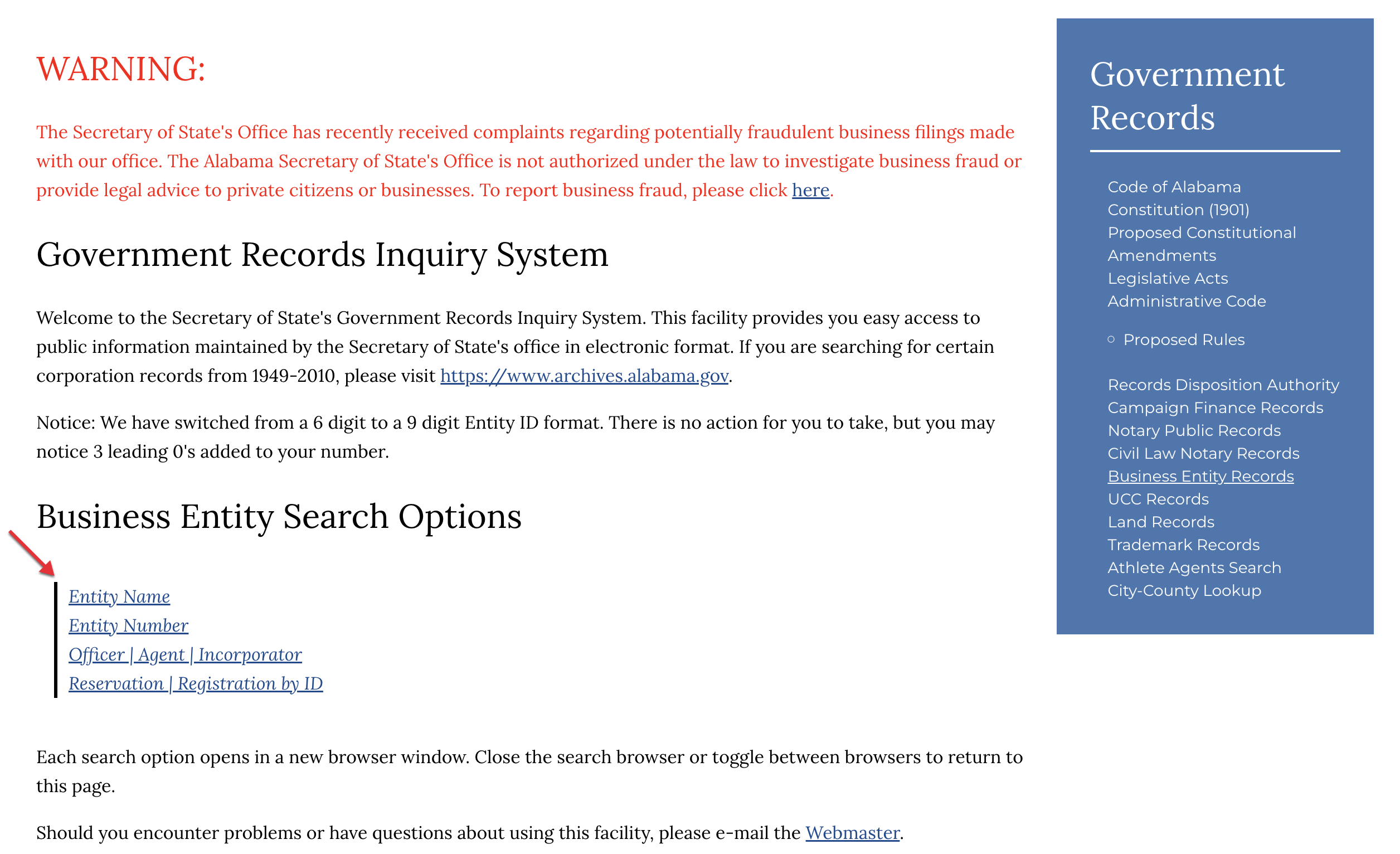
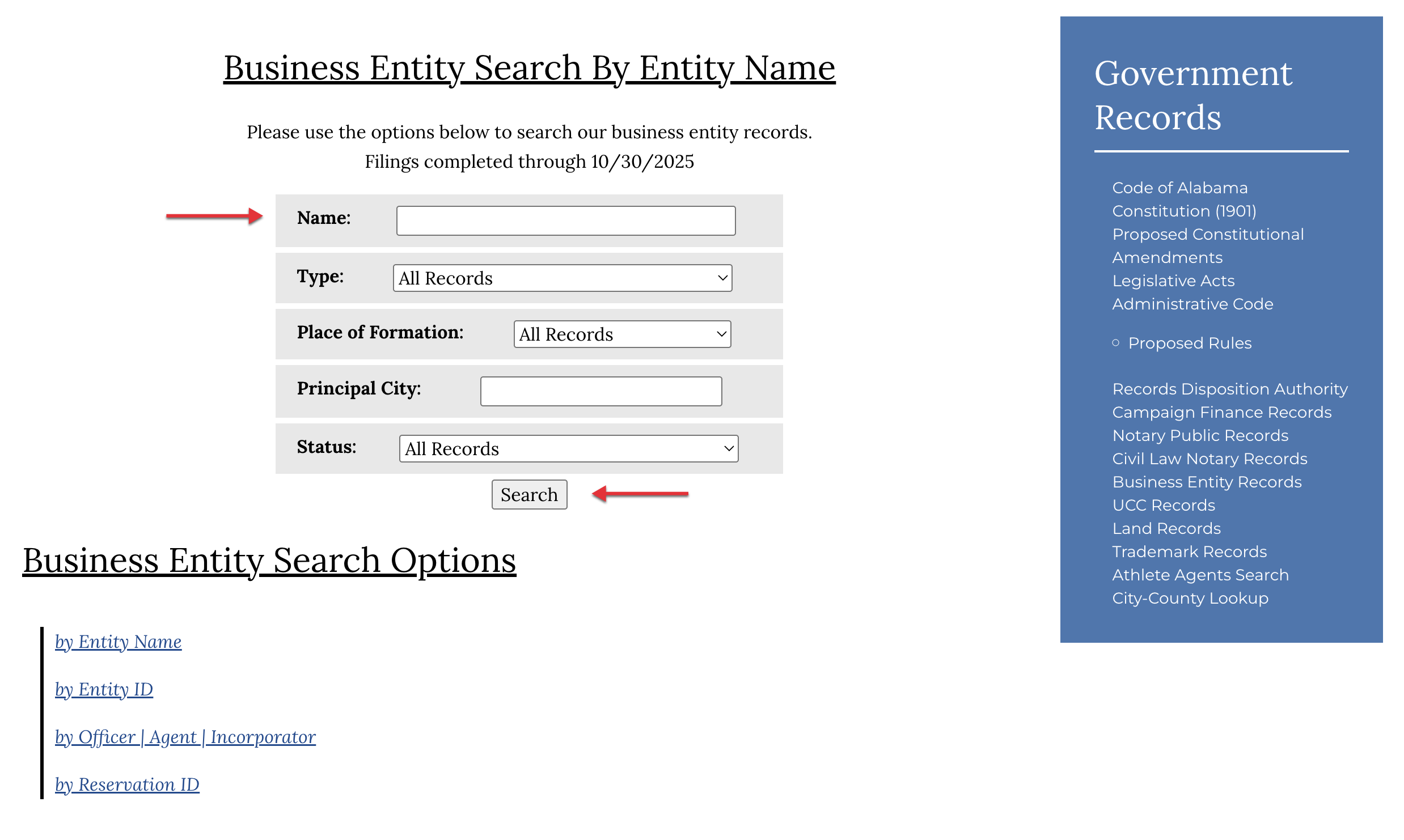
For our purpose, select the “Entity Name.” This opens a new page with search options.
Type in the name of the business you wish to lookup. If possible, use the first drop-down menu to name the business type and the second drop-down list to define the county where it was formed.
Additionally, its current city can be reported and its status selected from the final drop-down menu.
Once the available information is supplied, select “Search.”
- Name
- Type
- Place of Formation
- Principal City
- Status
3. Select From the Search Results
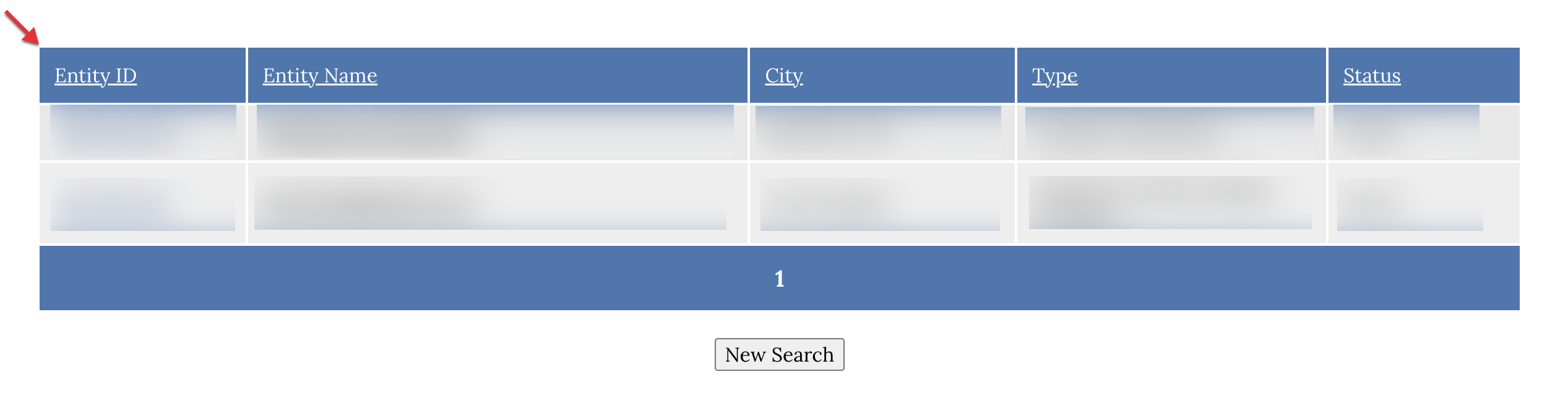
Click on the Entity ID or the Entity Name links and be directed to the business details page.
4. View Information
On the Business Entity Records page, the following information and options will be made available:
- Business Entity Information
- Entity ID Number
- Entity Type (e.g., LLC, corporation, partnership, etc.)
- Principal Address
- Principal Mailing Address
- Status
- Place of Formation
- Formation Date
- Registered Agent Name
- Registered Office Street Address
- Nature of Business (if any)
- Organizers
- Organizer’s Name
- Organizer’s Address
- Annual Reports (by year)
- Transactions
- Transaction Date
- Miscellaneous Filing History
- Scanned Documents
- Users will have the option to purchase any documents available.