
The Kansas Office of the Secretary of State provides several tools to aid the public in identifying a business that has been legally registered in this state. One such tool, the “Business Entity Search Station” page, allows users to enter search terms and criteria into a query to find an entity. Once a Kansas entity’s record is found, it can be viewed on screen.
Business Entity Search
State of Kansas

Business Entity Search
1. Go To The Business Entity Search Station Page
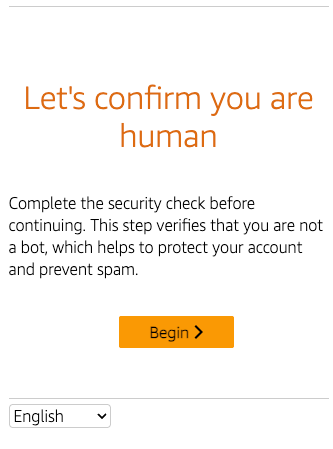
2 Start The Verification Process
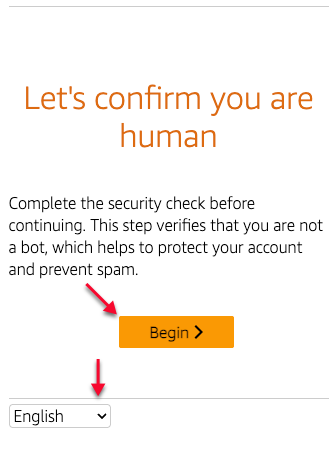
Use the mouse to select your preferred language from the drop-down menu, then select “Begin” since you must verify your status to access the tool.
3. Complete The Task
Follow the onscreen directions to complete the puzzle then select “Confirm;” also, if required, you may use the option menu and icons to perform certain actions:
- Refresh the image
- See more information
- Hearing/Accessibility
- Select a language

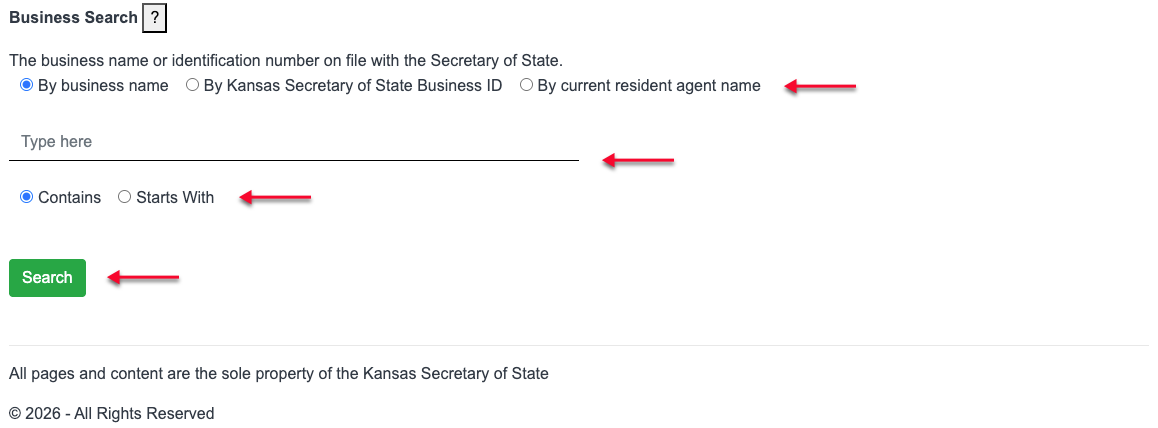
4. Choose The Business Entity Name Option And Define The Search
Pick the radio button that best describes the type of search the query must run.
- By Business Name
- By Kansas Secretary of State ID
- By Current Resident Agent Name
Type the word(s) the query tool must find in the database. Keep in mind that partial entries are allowed but tend to return a large number of search results
Indicate if the search item is a partial entry or if it should be found at the beginning of the field as is by selecting the appropriate radio button.
- Contains
- Starts With
Find then click on the “Search” button.
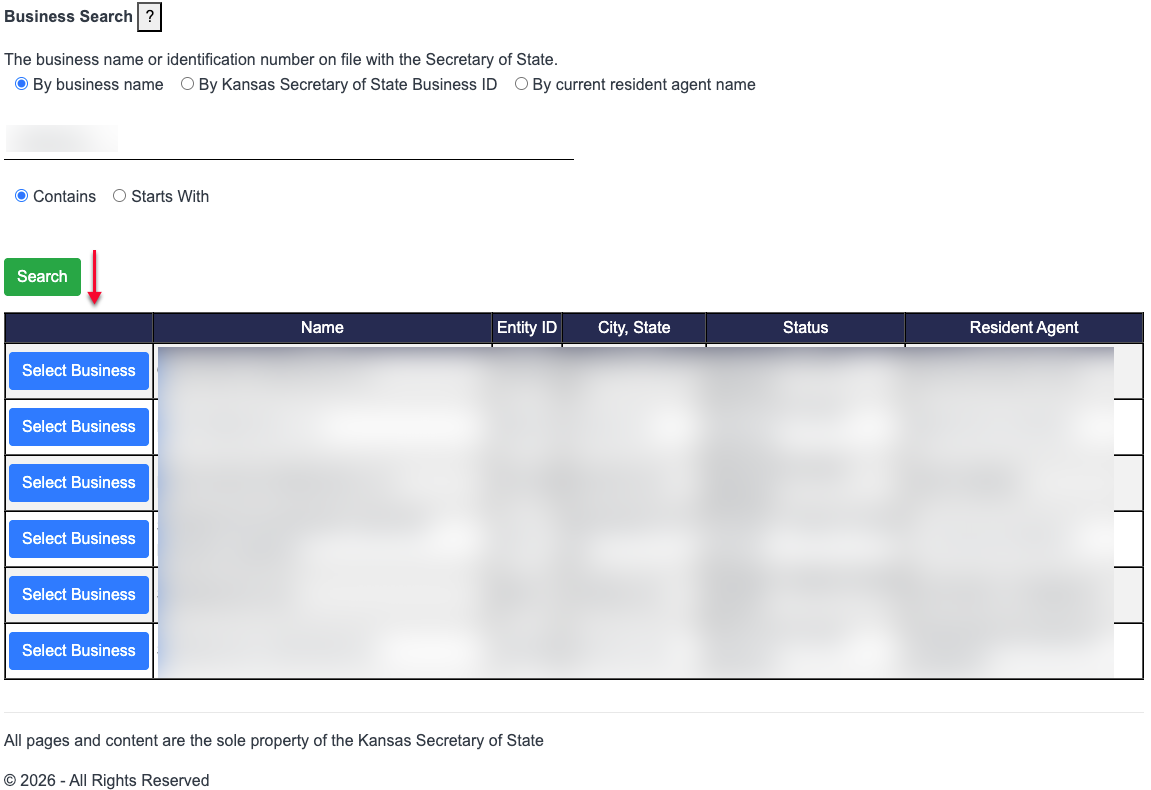
5. Locate The Kansas Entity’s Record
Direct your attention to the search results table that opens beneath the query tool. Use the button in the first column to choose the business you wish to explore once you have looked over these results.
- Select Business
- Name
- Entity ID
- City, State
- Status
- Resident Agent
6. View the Kansas Entity’s Record
Explore the first tab of the entity’s page (“General Information”), which presents data on the Kansas business entity. If further investigation is necessary, select “View Documents for more information.
- Business ID
- Business Name
- Type
- Formation Date
- Jurisdiction
- Status
- Principal Office
- Address
- City, State Zip
- Country
- Resident Agent Name
- Registered Office
- Address
- City, State Zip
- Last Reporting Year
- Annual Reports (Report Year)
- New Report Due Date
- Last Report Due Date
- Forfeiture Date

7. Obtain Specific Documents
Examine the entity’s filings with the Kansas Secretary of State using the table that appears. If you wish to view or download a filing document, select “View Document.”
It should be noted that purchase may be required for access for some types of documents.


